The business landscape in the Kingdom of Saudi Arabia is undergoing a massive digital shift. Driven by the goals of Saudi Vision 2030 and the regulatory frameworks implemented by the Zakat, Tax and Customs Authority (ZATCA), local businesses are modernizing their financial and operational infrastructures. In this era of rapid digitization, one of the most critical decisions a business owner or IT director will make is choosing the right foundational software architecture.
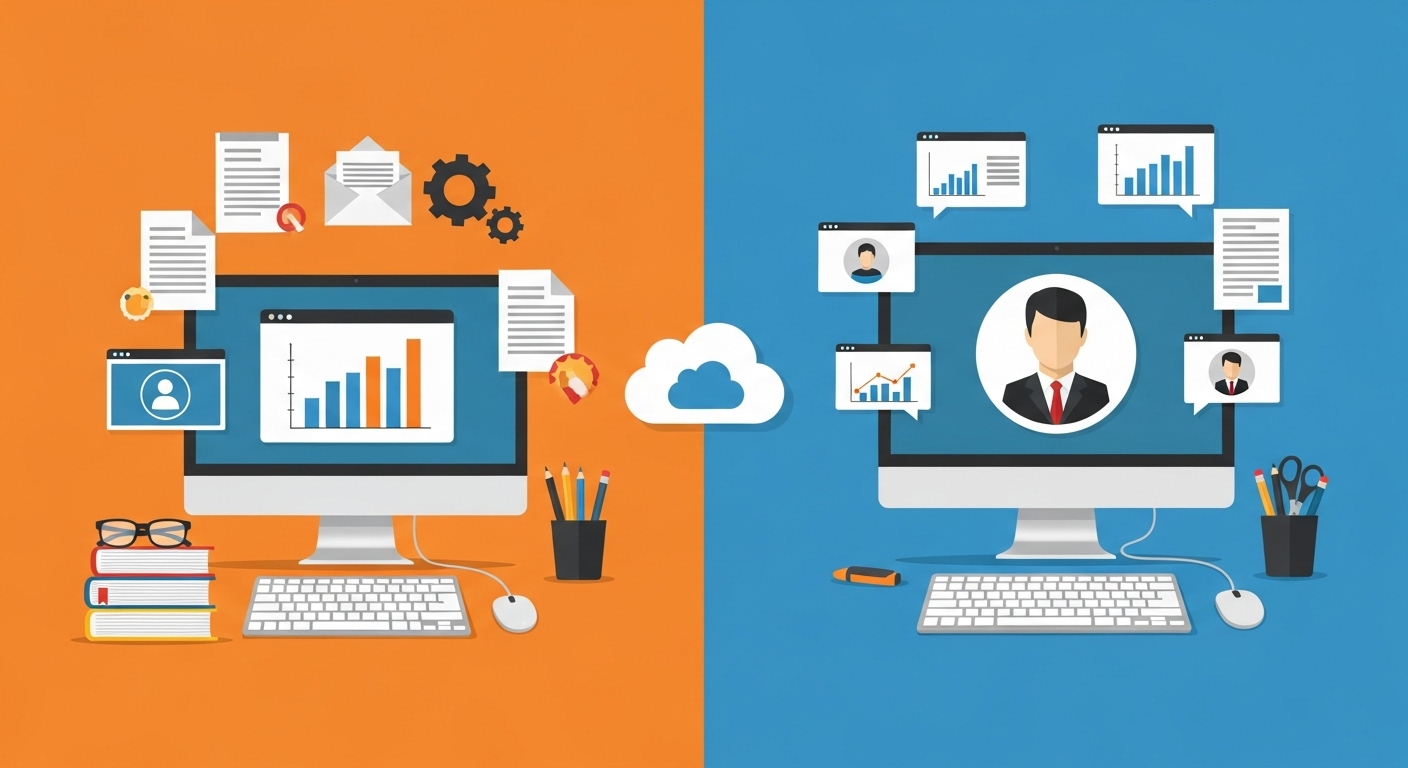
For decades, the standard approach was to purchase a desktop-based application — an on-premise software installed directly onto local office computers or in-house servers. Today, the paradigm has shifted toward cloud computing. Cloud adoption among Saudi businesses has moved from early-adopter territory into the mainstream, driven as much by compliance pressure as by cost. Yet a persistent myth remains among some traditional business owners: the belief that paying a one-time fee for a desktop application is ultimately cheaper than paying a recurring subscription for a cloud-based system.
With no upfront hardware costs, automatic ZATCA compliance updates, and fully included technical support, the cloud is not just the more advanced option — for most growing businesses it is the more affordable one over any realistic time horizon.
The Financial Cost: Uncovering the “One-Time Payment” Trap
The most common argument in favor of desktop applications is the illusion of the one-time purchase. A business owner sees a price tag for a perpetual software license and assumes their software expenses are settled for the next decade. However, evaluating business software requires looking at the Total Cost of Ownership (TCO) over a multi-year period.
The Hidden Costs of On-Premise Desktop Systems
When you purchase a desktop application, the initial software license is merely the tip of the iceberg. A standard enterprise-grade desktop license in Saudi Arabia typically demands an upfront investment of SAR 5,000 or more per device at current market rates. However, the software cannot run in a vacuum. You must purchase dedicated, high-performance local servers to host the database, which can easily cost tens of thousands of Riyals. Furthermore, desktop software providers usually charge mandatory annual maintenance fees — often around SAR 2,000 per year — just to keep the software functioning and to retain access to basic support.
Additionally, managing local servers requires hiring dedicated IT personnel, paying for the electricity to cool the server room 24/7, and purchasing physical backup drives. When you factor in the rising costs of maintaining an on-premise system that complies with modern electronic invoice ksa mandates, the financial burden becomes difficult to justify for a growing SME.
The Daysum Cloud Financial Advantage
In contrast, Daysum operates on a Software as a Service (SaaS) model. There are no surprise costs, no hardware investments, and no server maintenance fees. Daysum offers an all-inclusive cloud ERP starting at SAR 750 per year. This transparent subscription covers the software, the cloud hosting, daily backups, automated security, and 24/7 technical support.
By eliminating server purchases, IT maintenance payroll, and localized hardware upgrades, transitioning to a cloud ERP removes the largest recurring line items from a five-year IT budget. For a Saudi SME, preserving this capital means more money can be injected directly into marketing, inventory, and business expansion.
The Update Process: Keeping Pace with ZATCA Regulations
In the modern Saudi economy, software updates are no longer just about getting new features; they are a legal requirement. ZATCA is continuously rolling out new phases of its e-invoicing mandate, requiring businesses to connect their invoicing systems to the government’s FATOORA portal.
The Agony of Desktop Upgrades
Updating a desktop application to meet new government mandates is a notoriously painful process. It requires manual intervention, often necessitating an IT specialist to visit your office to install the new patches on every single computer. Major desktop ERP upgrades routinely take months to fully deploy across an organization, causing operational downtime along the way. Furthermore, these compliance upgrades are rarely free; legacy vendors frequently require users to pay for the “new version” of the software to remain legally compliant.
Instant Compliance in the Cloud
Daysum eliminates update anxiety entirely. Because the software is hosted in the cloud, updates are pushed automatically to the central servers without any user intervention or business downtime. As ZATCA rolls out Phase 2 integration requirements — which dictate that XML invoices must be instantly cleared or reported to the government — Daysum updates its core infrastructure behind the scenes.
When your employees log in the next morning, the system is already running on the current requirements. There are no installation disks, no IT visits, and no additional upgrade fees. This is a large part of why modern enterprises prefer cloud solutions for zatca e-invoicing compliance.
Technical Support: Remote Resolution vs. Costly Onsite Visits
When your billing system goes down, your business effectively stops making money. The speed and quality of technical support directly impact your bottom line.
Desktop Support Limitations
Technical support for desktop applications is structurally limited. Because the software lives on your local hardware, diagnosing a complex database error often requires a technician to physically travel to your office. These onsite visits are disruptive and expensive, often costing upwards of SAR 1,000 per visit in Saudi Arabia. Even when the issue can be handled remotely, legacy providers typically restrict their support to standard business hours, leaving you stranded if your retail store hits a critical system failure during a busy weekend evening.
Daysum’s 24/7 Cloud Support
With Daysum’s cloud ERP, the support model changes completely. Because your database is hosted on Daysum’s servers, the engineering team can diagnose and resolve most technical issues remotely and immediately, without waiting for a site visit. Daysum provides 24/7 support via live chat, ticketing, and phone. Whether it is 10:00 AM on a Monday or 11:00 PM on a Friday, expert help is included in your base subscription.
Data Accessibility in the Era of Remote Work
The modern business environment is no longer confined to a single physical office. Executives travel, sales teams operate in the field, and accountants often need to review ledgers after hours.
Desktop applications are tethered to a physical location. Your financial data is locked inside the hard drive of the computer sitting on a desk. If an executive needs to approve a purchase order while traveling to Riyadh for a conference, they cannot do it without relying on sluggish and often insecure Virtual Private Networks (VPNs). Enabling remote work is consistently one of the hardest problems for businesses still running on-premise systems.
Daysum’s cloud architecture removes these geographical barriers. Your ERP system becomes accessible from any device with an internet connection — a desktop computer, a MacBook, an iPad, or a smartphone. A CEO can monitor live sales dashboards from their phone while waiting at the airport, and sales representatives can generate live quotes from a client’s office. That accessibility shortens decision cycles considerably.
Scalability: Expanding Without the Growing Pains
Scaling a desktop application is a logistical problem before it is a financial one. If you hire five new accountants, you must purchase five new computers, buy five new software licenses, and physically wire them into your local server network. Upgrading an on-premise setup to handle higher data loads adds another layer of IT cost, effectively penalizing you for growing.
Cloud-based systems scale differently. If your business experiences a sudden boom in growth, adding a new user to Daysum takes one click in the administrative dashboard. There is no need to upgrade your local hardware because the computational work is done by Daysum’s cloud servers. You adjust your subscription tier as your business expands.
Security and Data Protection: Local Risks vs. Cloud Fortresses
The Fragility of Local Servers
Organizations utilizing desktop applications are entirely responsible for their own cybersecurity. This means you must purchase and configure your own firewalls, manage your own antivirus software, and manually execute data backups. Most catastrophic data loss in on-premise environments traces back to localized failures: hard drive crashes, power surges, office fires, or ransomware that freezes the entire office network.
The Cloud Fortress
When you migrate to Daysum, you inherit the security infrastructure of established data centers. Cloud data is not stored on a single, fragile hard drive. It is encrypted using current cryptographic standards and backed up daily across multiple, geographically redundant servers.
Furthermore, cloud platforms utilize enterprise-grade access controls, such as Two-Factor Authentication (2FA), to ensure that only authorized personnel can access sensitive financial data. By shifting the burden of cybersecurity from your local office to dedicated cloud engineers, you materially reduce your exposure to data loss and cyber-attacks.
Performance and Processing Speed at Scale
As your business accumulates years of financial records, customer histories, and inventory logs, the size of your database grows steadily.
Desktop applications rely entirely on the processing power of the local computer they are installed on. As the database swells, local software begins to lag. Generating a year-end financial report or running a complex inventory query on a desktop application can freeze the machine and slow down the whole workday.
Cloud systems like Daysum run on server clusters designed to handle large datasets, so a query that stalls a desktop machine returns in seconds. That speed matters in the Saudi market, where the national e-invoicing infrastructure now clears invoices at a volume measured in billions each year.
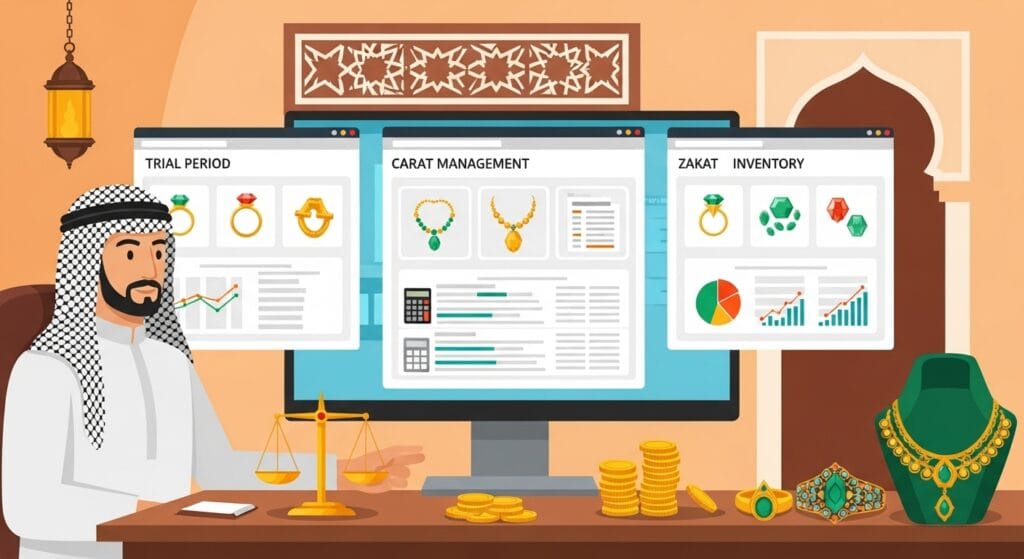
This performance gap is especially visible in specialized retail. A jewelry business processes thousands of transactions involving fluctuating global gold prices, varying making charges, and layered VAT calculations. Running the best gold accounting software on a cloud platform means those calculations resolve in milliseconds, keeping the checkout lines moving and the numbers accurate.
The desktop era is over — see why growing jewelers are switching to cloud platforms like ERPNext for Gold & Jewelry through Daysum instead.
Multi-Branch Integration and HR Synchronization
For businesses operating multiple retail locations, warehouses, or regional offices across Saudi Arabia, synchronizing data is a persistent challenge.
With desktop applications, connecting branch A in Jeddah with branch B in Dammam requires setting up complex Wide Area Networks (WANs) or VPNs. These connections are unstable, and if the internet connection at the main server drops, all branches are paralyzed. Data synchronization is the most commonly reported failure point in decentralized desktop setups, leading to double-selling inventory or accounting discrepancies that surface weeks later.
Daysum’s centralized cloud architecture unifies your entire enterprise. Every branch, every POS terminal, and every warehouse scanner connects to the same live database. If an item is sold in Riyadh, the inventory count drops instantly on the screens in Mecca.
This unification extends to Human Resources as well. By utilizing a cloud attendance system integrated into your ERP, HR managers at the head office can monitor employee check-ins, calculate overtime, and process payroll for hundreds of employees spread across dozens of remote branches in real time, eliminating manual timesheet transfers.
Surviving Hardware Failures with Zero Downtime
If your entire business relies on a desktop application hosted on a local office server, a hardware failure is a catastrophic event. Work stops completely. Cashiers cannot issue invoices, warehouse staff cannot dispatch goods, and accountants cannot view ledgers. A single critical malfunction routinely costs a full day of productivity and the revenue attached to it.
In the cloud environment, your business is insulated from local hardware failures. If the computer at your reception desk breaks, you move to another computer, log into your web browser, and continue exactly where you left off. Daysum’s cloud infrastructure also uses redundant servers: if one experiences an issue, traffic is rerouted to a backup, and your revenue stream stays uninterrupted.
Future-Proofing Your Business in a Growing Market
Technology evolves quickly. A desktop software package purchased today will likely be functionally obsolete in five years, forcing companies onto a scrap-and-replace cycle that carries heavy data migration costs and operational disruption every time.
Cloud software avoids that cycle. Because it is delivered as a service, the software evolves continuously. As technologies like Artificial Intelligence (AI), machine-learning forecasting, and analytics become standard, Daysum integrates them directly into the platform. You gain access to new business intelligence tools without buying new software.
The Saudi cloud computing market is on a steep, sustained growth curve backed by national infrastructure investment. Aligning your business with that trajectory is a business strategy, not just an IT decision. Partnering with a modern provider for your odoo implementation saudi arabia ensures that your company is backed by a globally recognized, open-source framework that will continue to innovate and scale.
Competitor Cloud Pricing Comparison in KSA
Even within the cloud market, pricing and capabilities vary significantly. As Saudi SMEs seek the best value for their digital transformation, it is important to compare the leading platforms. Below is an analysis of the top cloud ERP and invoicing providers operating in the Kingdom today:
| Provider | Annual Cost (Starting SAR) | ZATCA Compliance & ERP Fit | Market Focus & Key Features |
|---|---|---|---|
| Daysum | SAR 750 | Full Phase 2 Integration | Comprehensive ERP, deep e-commerce sync (Salla/Zid), POS, and multi-branch management |
| Plugin | SAR 550 | Basic Phase 1 | Entry-level; suitable for micro-businesses with minimal inventory needs |
| Daftra | SAR 1,140 | Standard Phase 2 | Solid basic accounting, but lacks deep industry-specific customization |
| Wafeq | SAR 1,200 | Good Phase 2 | Strong regional presence, tailored for service-based SMEs, higher base cost |
| SMACC | SAR 1,500 | Full Phase 2 | Heavy focus on traditional retail POS; legacy interface adapted for the cloud |
Pricing reflects publicly listed entry tiers at the time of writing and changes frequently; confirm current rates with each provider before deciding.
The verdict: The cheaper micro-tools lack the backend required to run a growing enterprise, while several established competitors charge roughly double for a comparable feature set. Daysum sits between those two extremes: full Phase 2 coverage and a complete ERP backend at a price closer to the entry-level tools than to the established competitors.
Conclusion: Make the Smart Transition Today
The debate between desktop applications and cloud ERPs is largely settled. Desktop systems are expensive to maintain, vulnerable to data loss, restrictive to growth, and poorly equipped for the real-time demands of ZATCA’s e-invoicing mandates.
Migrating to the Daysum cloud ecosystem removes hardware maintenance from your budget entirely and gives your team secure access from anywhere. The transition is not just an IT upgrade; it is a decision that protects your data, keeps you compliant, and gives you a foundation that scales with the business rather than against it.
Do not risk your company’s future on obsolete technology. Make the switch to Daysum today.
Frequently Asked Questions (FAQs)
Yes, it is significantly safer. When you keep data on a server in your office, you are responsible for defending it against physical theft, fires, hard drive failures, and targeted local ransomware attacks—a burden most SMEs cannot afford to manage effectively. Cloud providers like Daysum invest millions into enterprise-grade cybersecurity. Your data is encrypted using military-grade protocols, housed in highly secure data centers, and backed up across multiple geographical locations every single day, making catastrophic data loss virtually impossible.
While cloud-based ERPs require an internet connection to sync live data across branches and send real-time invoices to ZATCA, modern systems are built with contingencies. Your local Point of Sale (POS) terminals can often operate in an "offline mode," allowing you to continue generating receipts and serving customers. The moment your internet connection is restored, the POS system will automatically upload the backlog of transactions to the cloud and sync with ZATCA, ensuring your retail operations never suffer from internet outages.
The "one-time" desktop license fee is a myth. While you pay once for the software, you must continuously pay for the hardware (expensive servers), the electricity to run them, the IT staff to maintain them, and the mandatory fees to upgrade the software every time the government changes a tax law. With a cloud subscription like Daysum (starting at SAR 750/year), there are zero hardware costs, zero IT maintenance salaries, and all legal compliance upgrades are pushed automatically for free. Over a 5-year span, the cloud approach saves SMEs up to 60% in total costs
Migrating to the cloud is a highly streamlined process. You do not have to manually re-enter years of financial history. Daysum allows you to export your existing databases—such as your chart of accounts, customer directories, supplier lists, and inventory logs—into standard spreadsheet formats like Excel or CSV. These files are then securely imported directly into your new Daysum cloud environment. Furthermore, Daysum provides dedicated technical support to guide you through the migration process, ensuring a smooth transition with zero data loss.